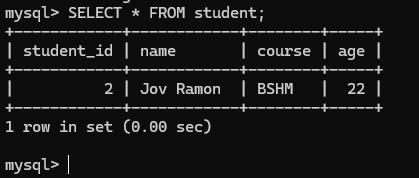
Activity 19: Research Python SQLAlchemy
SQLAlchemy is a powerful and widely-used Object-Relational Mapping (ORM) library for Python. It provides tools for interacting with relational databases in a more Pythonic way, abstracting away the need to write raw SQL queries while giving you flexibility and control over database operations. SQLAlchemy allows you to work with databases by representing database tables and relationships as Python classes and objects.
Key Features of SQLAlchemy:
ORM (Object-Relational Mapping):
This feature allows you to define Python classes that map directly to database tables. Each object of a class corresponds to a row in the table, and class attributes correspond to columns in the table.
SQLAlchemy ORM provides a high-level abstraction that allows you to query and manipulate data without writing raw SQL.
SQL Expression Language:
In addition to the ORM, SQLAlchemy also includes a lower-level SQL expression language that allows you to construct SQL queries using Python objects, without directly using raw SQL strings.
This is useful when you need more control over SQL syntax, complex queries, or when you want to ensure compatibility with different database systems.
Database Abstraction:
- SQLAlchemy supports a wide range of database engines, including SQLite, PostgreSQL, MySQL, Oracle, and Microsoft SQL Server. It abstracts away differences in SQL dialects and provides a consistent interface to interact with different databases.
Automatic Schema Generation:
- SQLAlchemy can automatically generate database schemas from Python classes (models). You can define your classes and then use SQLAlchemy to create the corresponding tables in the database.
Session Management:
- SQLAlchemy provides a Session object to manage database transactions. A session represents a "workspace" for ORM objects and can handle things like committing or rolling back transactions, and flushing changes to the database.
Support for Complex Relationships:
- SQLAlchemy supports complex database relationships such as one-to-many, many-to-one, and many-to-many, and allows you to navigate those relationships easily using Python code.
Set Up Your Project Folder:
Make a folder for your project.
Use the command prompt to go to this folder.
Create and Activate a Virtual Environment:
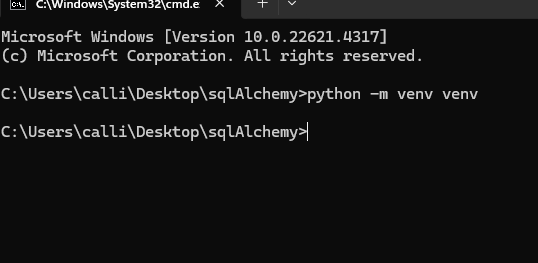
Set up a virtual environment:
python -m venv venv
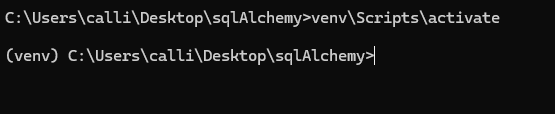
Activate it: venv\Scripts\activate (Windows)
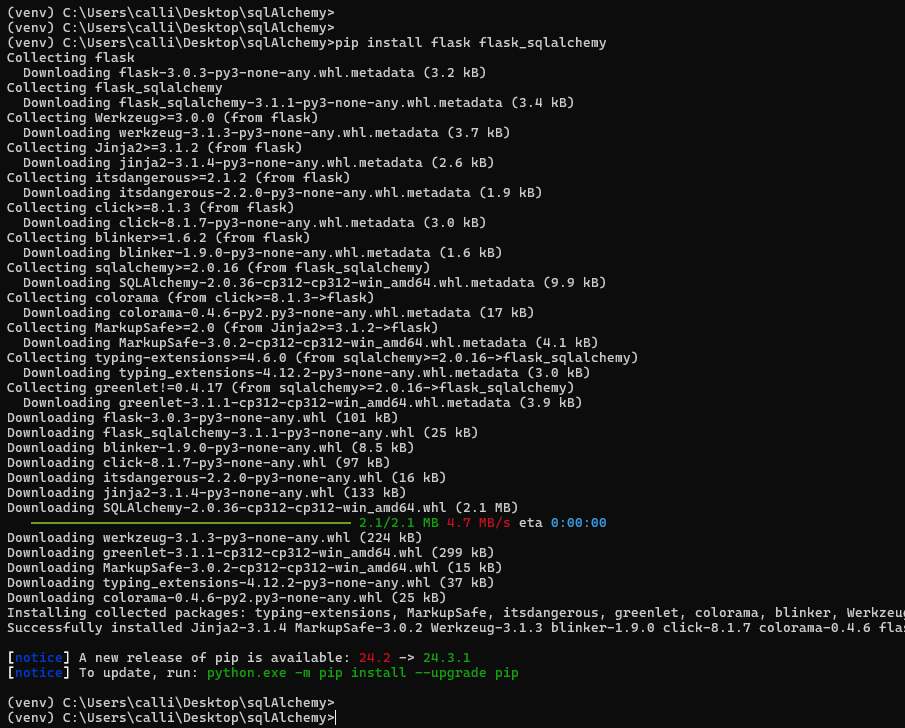
Install Flask and SQLAlchemy:
- Install Flask and SQLAlchemy:
pip install flask flask_sqlalchemy
- Install Flask and SQLAlchemy:
Set Up Your Project:
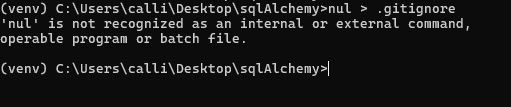
- Create a
.gitignorefile and addvenv/to it.
- Create a
- Freeze your dependencies:
pip freeze > requirements.txt

Install Additional Packages:
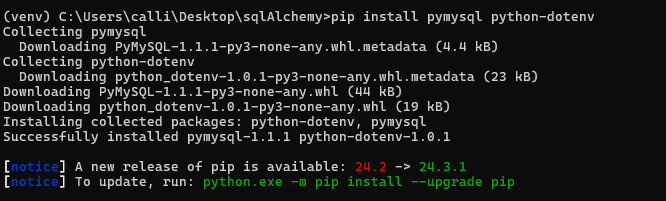
- Install
pymysqlandpython-dotenv:pip install pymysql python-dotenv
- Install
Create Your Application Files:
Make
app.pyand.envfiles.Put your database credentials in the
.envfile.
Write Your Flask Application:
- In
app.py, configure Flask and SQLAlchemy:
- In
from flask import Flask, jsonify, request
from flask_sqlalchemy import SQLAlchemy
import os
from dotenv import load_dotenv

load_dotenv()

app = Flask(__name__)
app.config['SQLALCHEMY_DATABASE_URI'] = (
    f"mysql+pymysql://{os.getenv('DB_USERNAME')}:{os.getenv('DB_PASSWORD')}"
    f"@{os.getenv('DB_HOST')}:{os.getenv('DB_PORT')}/{os.getenv('DB_NAME')}"
)
app.config['SQLALCHEMY_TRACK_MODIFICATIONS'] = False

db = SQLAlchemy(app)


class student(db.Model):
    student_id = db.Column(db.Integer, primary_key=True)
    name = db.Column(db.String(255), nullable=False)
    course = db.Column(db.String(255), nullable=False)
    age = db.Column(db.Integer, nullable=False)

    def dictionary(self):
        return {"student_id": self.student_id, "name": self.name, "course": self.course, "age": self.age}


with app.app_context():
    db.create_all()


@app.route('/students', methods=['POST'])
def create_student():
    data = request.get_json()
    new_student = student(name=data['name'], course=data['course'], age=data['age'])
    db.session.add(new_student)
    db.session.commit()
    return jsonify(new_student.dictionary()), 201


@app.route('/students', methods=['GET'])
def get_students():
    students = student.query.all()
    return jsonify([student.dictionary() for student in students])


@app.route('/students/<int:student_id>', methods=['GET'])
def get_student(student_id):
    result = student.query.get_or_404(student_id)
    return jsonify(result.dictionary())


@app.route('/students/<int:student_id>', methods=['PUT'])
def update_student(student_id):
    data = request.get_json()
    result = student.query.get_or_404(student_id)
    result.name = data.get('name', result.name)
    result.course = data.get('course', result.course)
    result.age = data.get('age', result.age)
    db.session.commit()
    return jsonify(result.dictionary())


@app.route('/students/<int:student_id>', methods=['DELETE'])
def delete_student(student_id):
    result = student.query.get_or_404(student_id)
    db.session.delete(result)
    db.session.commit()
    return jsonify({"message": "student deleted successfully"})


if __name__ == '__main__':
    app.run(debug=True)
Run Your Application:
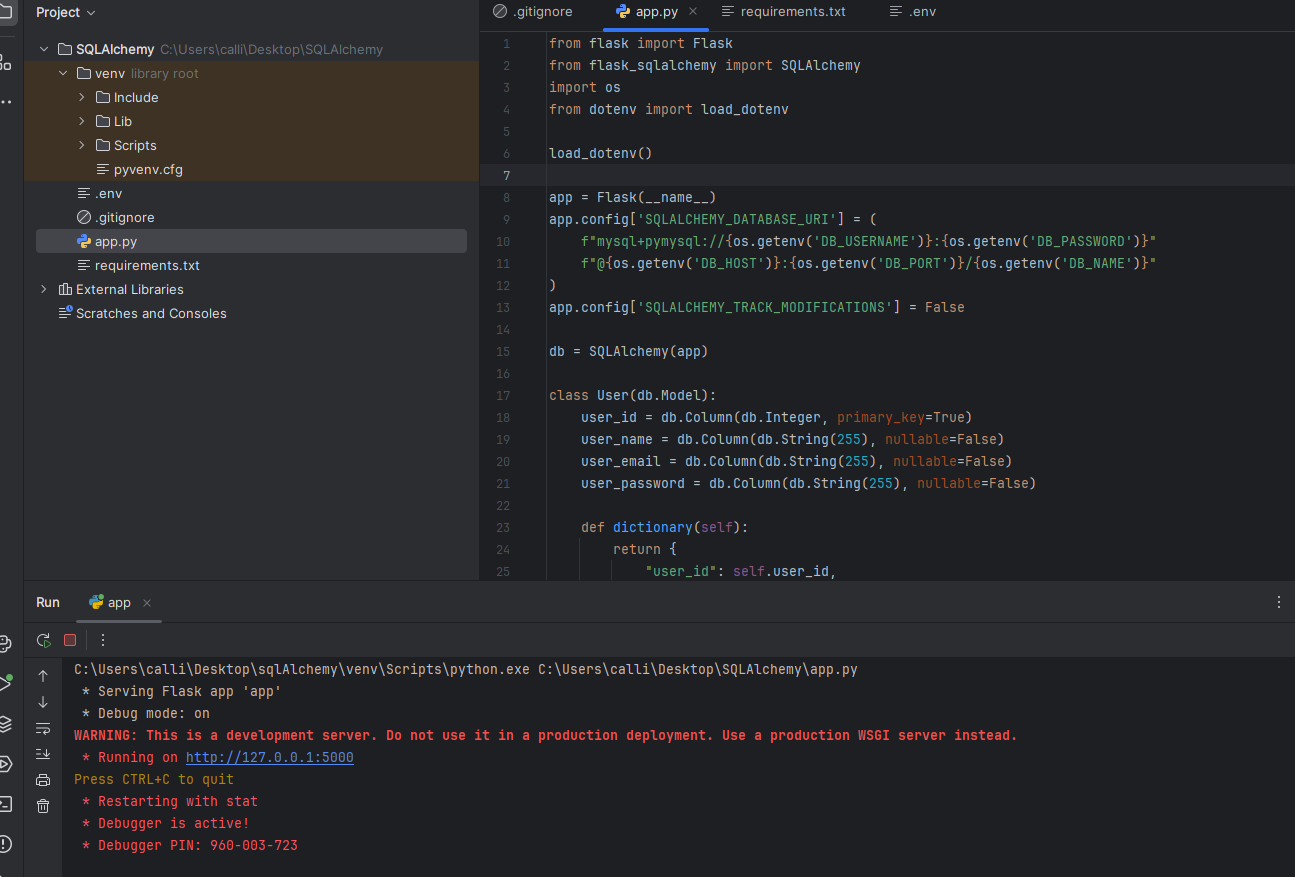
- Start your Flask app:
pythonapp.py
- Start your Flask app:
Test with Postman:
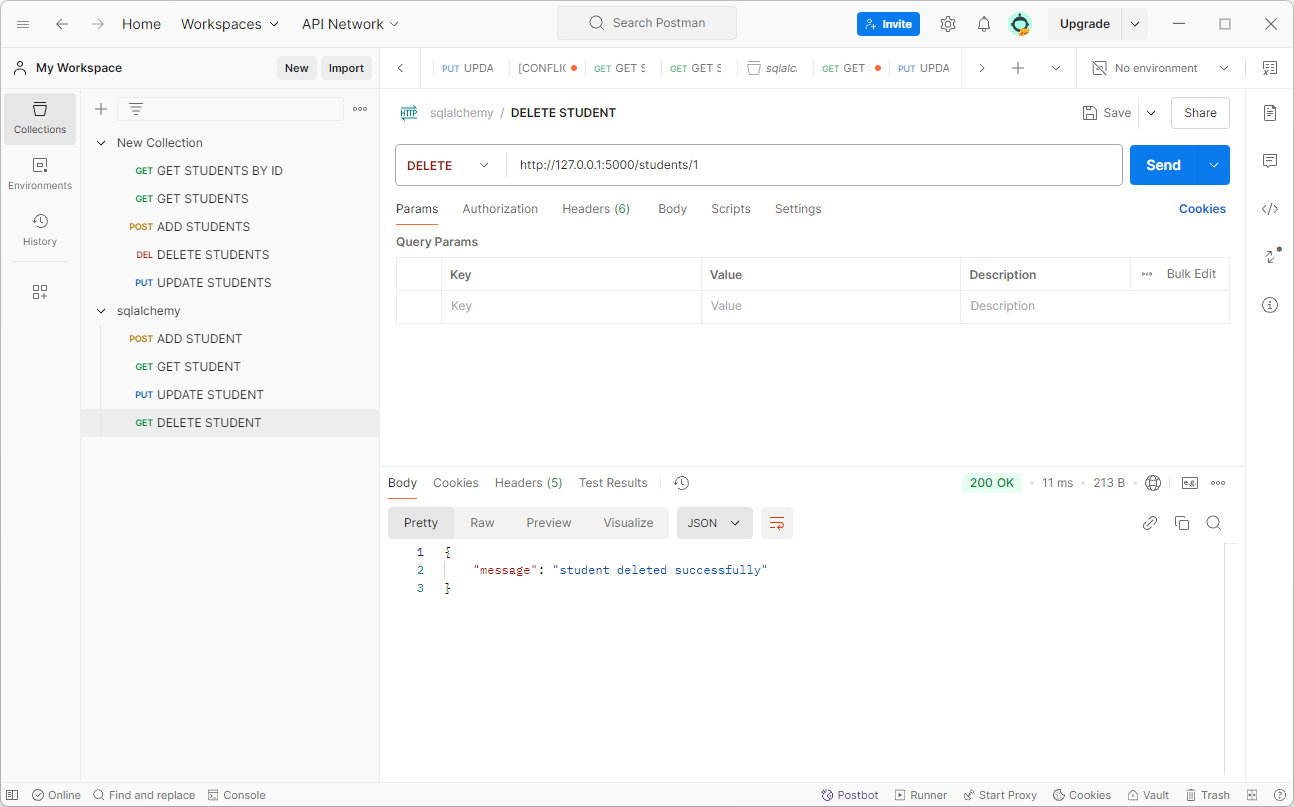
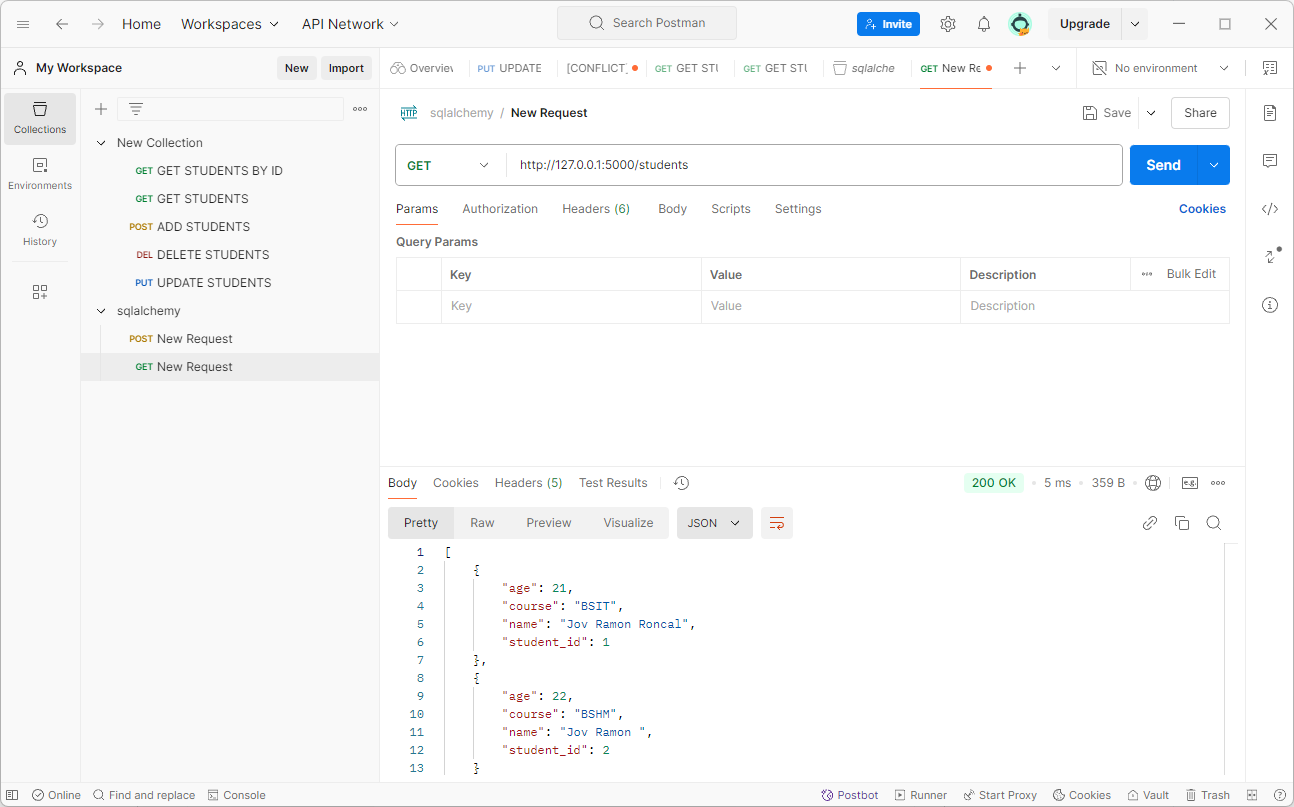
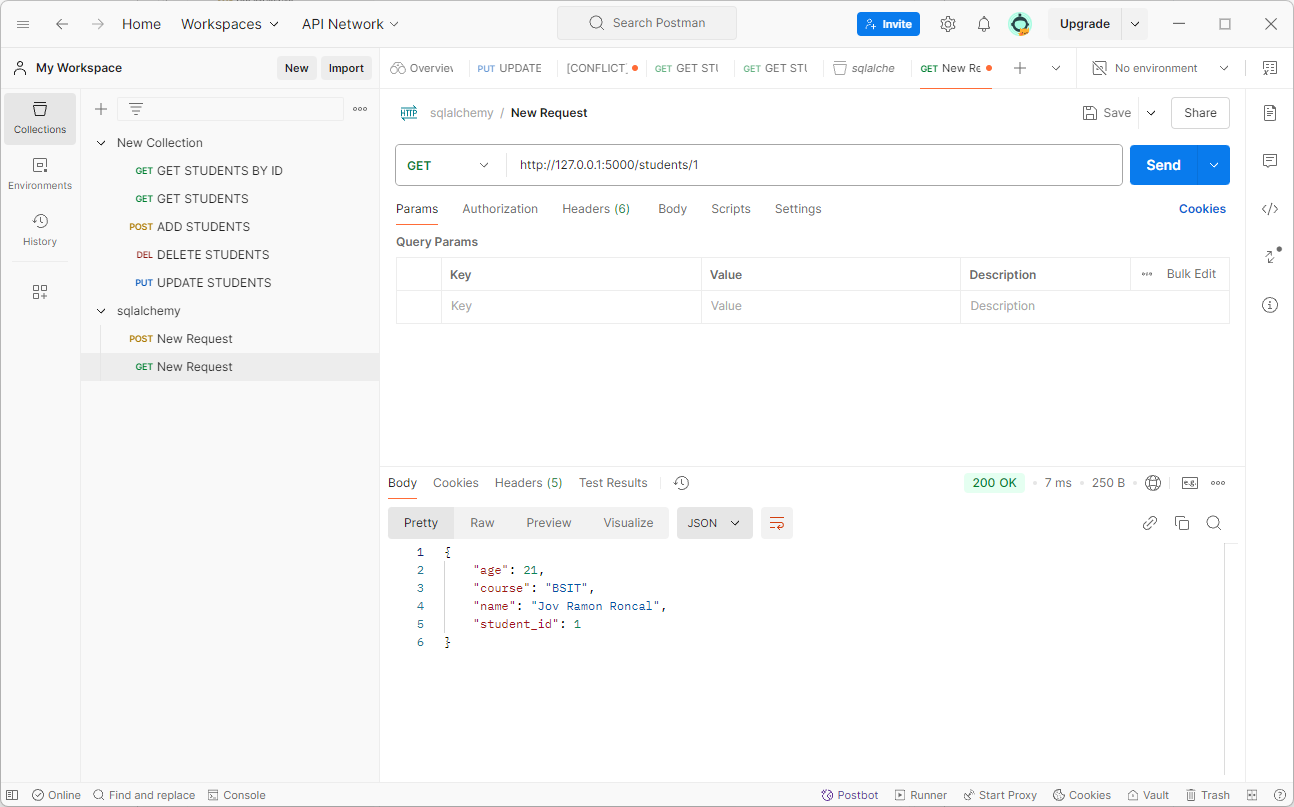
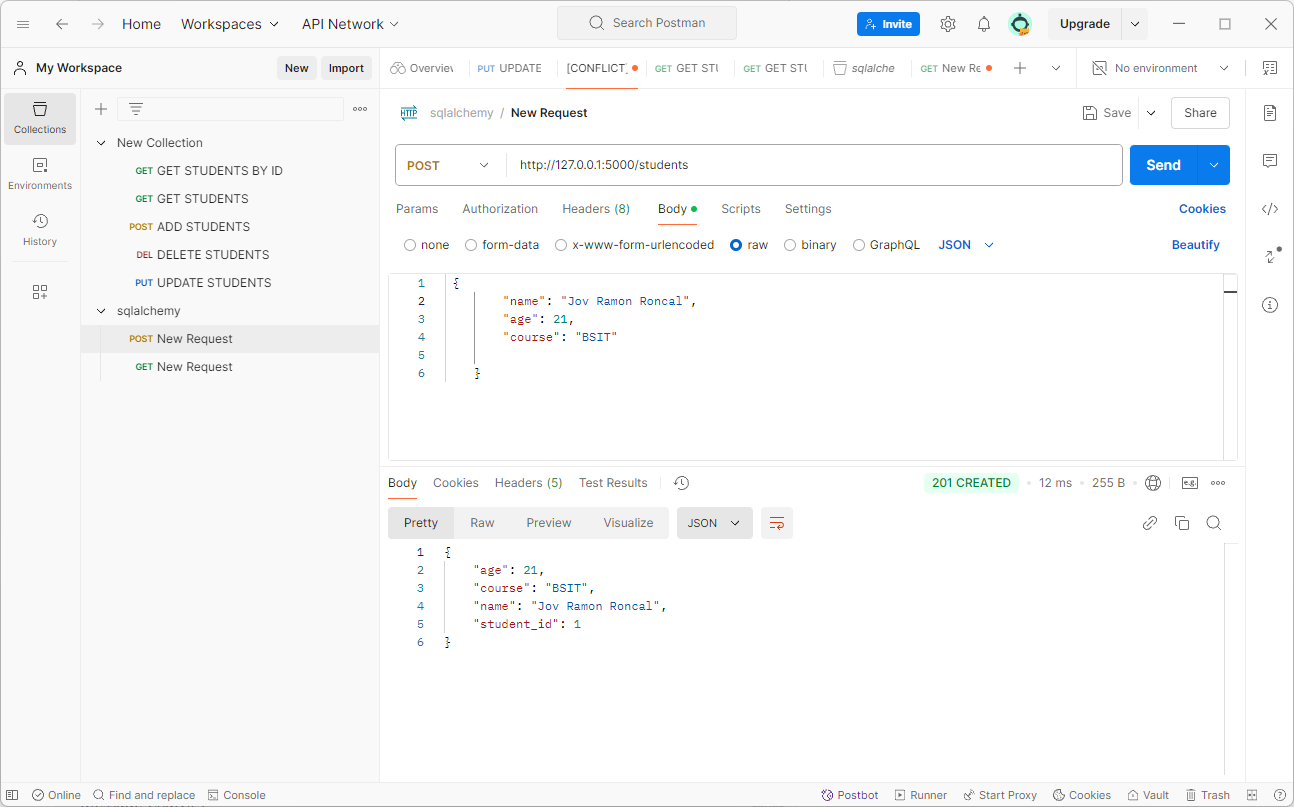
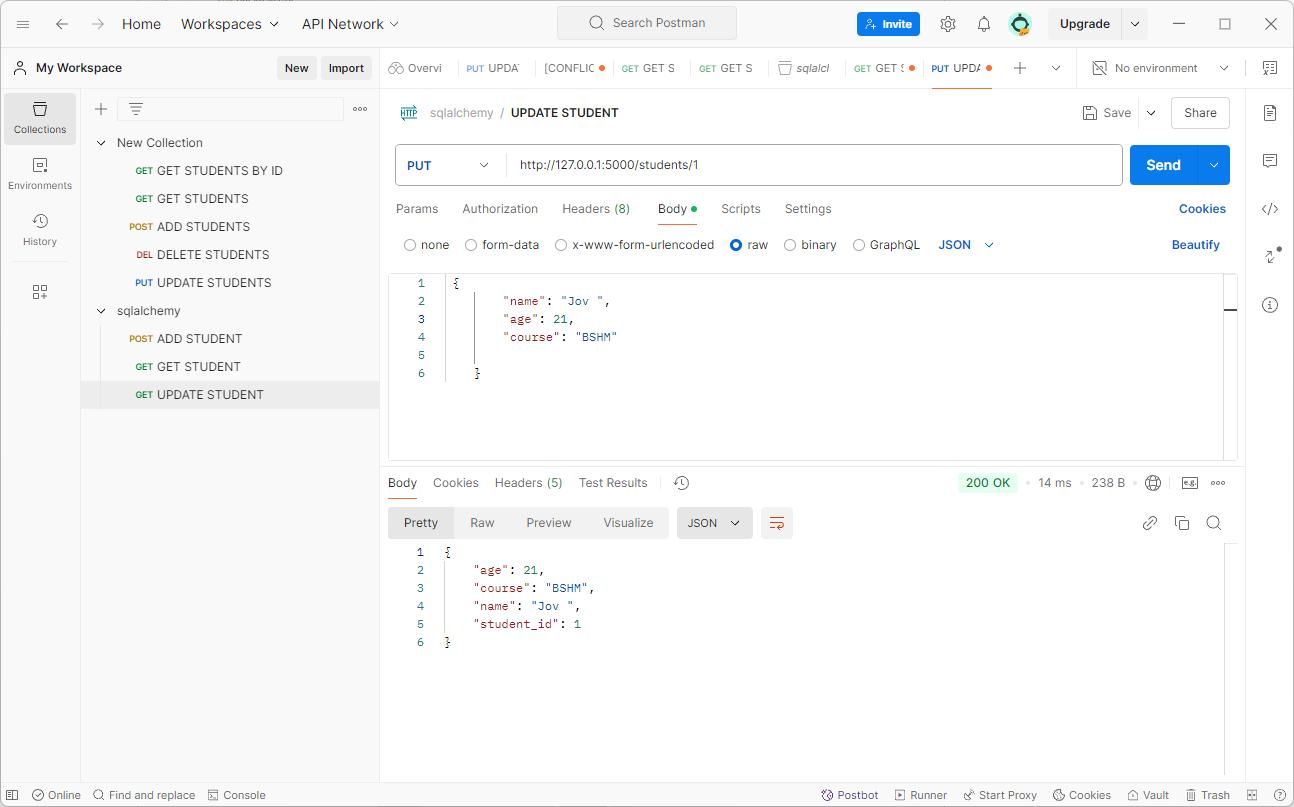
- Use Postman to test your API endpoints by sending requests and checking the responses
GET
GET students by id
POST
UPDATE
DELETE