Activity 29: Master Python Dictionaries Data Structure
Overview:
In this activity, you will practice using dictionaries to store and manage multiple instances of objects like Product, Employee, Books, University, and Restaurant. You will create dictionaries for these objects and populate them with details (e.g., names, prices, job titles). This activity is designed to help you understand how to manage collections of data in a structured manner.
This is a follow-up to Activity : Data Structure Again
Check this:
Instructions:
Create the following Python classes:
Product: Store product details (e.g., product name, price).
Employee: Store employee details (e.g., name, job title).
Books: Store book details (e.g., title, author).
University: Store university details (e.g., name, location).
Restaurant: Store restaurant details (e.g., name, cuisine type).
Use dictionaries to store the details of each class:
Create dictionaries for each object (e.g., list of product names, list of prices, list of employee job titles, etc.).
Populate the lists with at least 5 entries per object.
Access and print the details from the lists.
Tasks:
Define dictionaries for storing data related to the classes: Product, Employee, Books, University, and Restaurant.
Populate the dictionaries with data for each class, ensuring there are at least 5 entries.
Access and print the details of each object from the list.
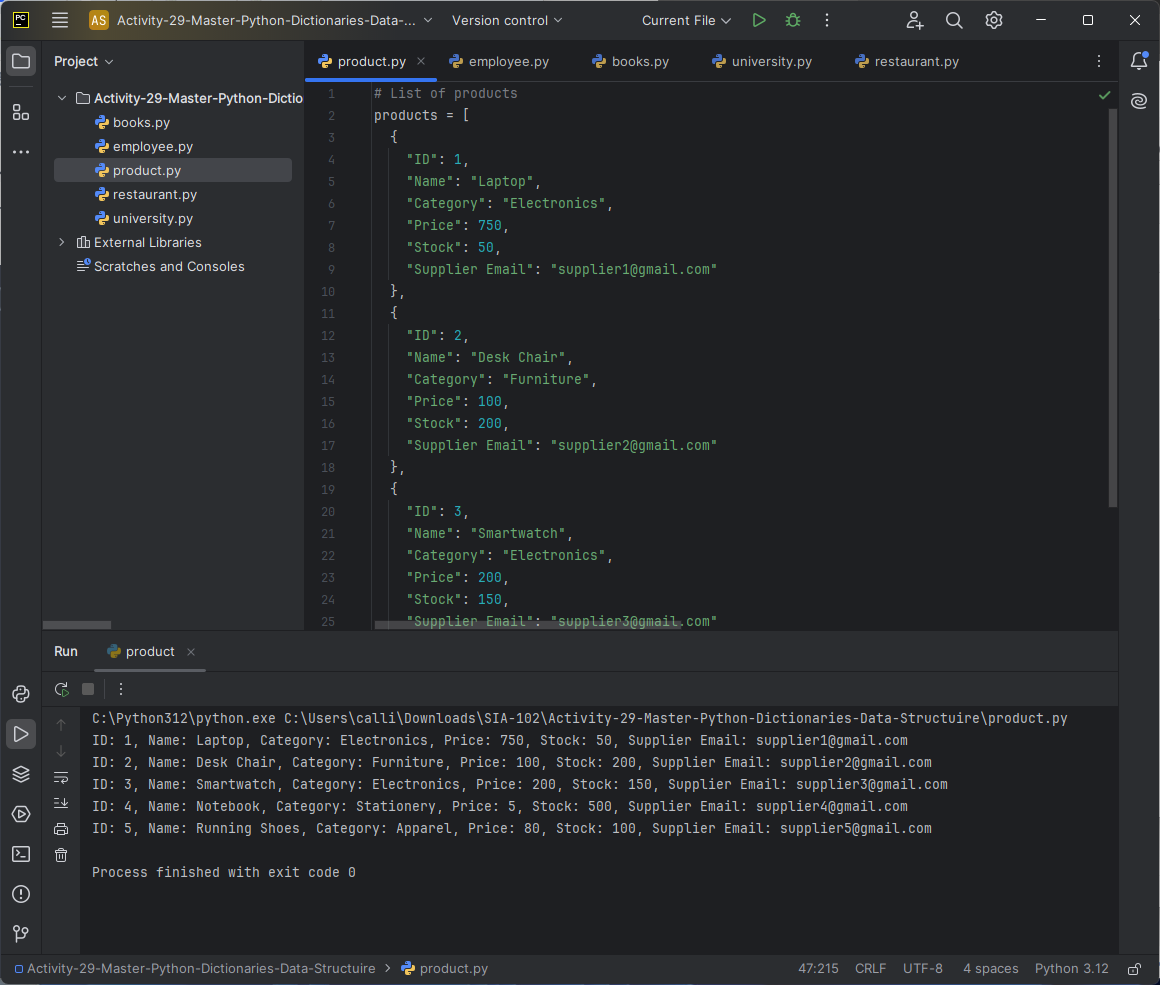
Product: Store product details (e.g., product name, price).
# List of products
products = [
  {
    "ID": 1,
    "Name": "Laptop",
    "Category": "Electronics",
    "Price": 750,
    "Stock": 50,
    "Supplier Email": "supplier1@gmail.com"
  },
  {
    "ID": 2,
    "Name": "Desk Chair",
    "Category": "Furniture",
    "Price": 100,
    "Stock": 200,
    "Supplier Email": "supplier2@gmail.com"
  },
  {
    "ID": 3,
    "Name": "Smartwatch",
    "Category": "Electronics",
    "Price": 200,
    "Stock": 150,
    "Supplier Email": "supplier3@gmail.com"
  },
  {
    "ID": 4,
    "Name": "Notebook",
    "Category": "Stationery",
    "Price": 5,
    "Stock": 500,
    "Supplier Email": "supplier4@gmail.com"
  },
  {
    "ID": 5,
    "Name": "Running Shoes",
    "Category": "Apparel",
    "Price": 80,
    "Stock": 100,
    "Supplier Email": "supplier5@gmail.com"
  }
]

# Loop through the list of products and print their details
for product in products:
    print(f"ID: {product.get('ID')}, Name: {product.get('Name')}, Category: {product.get('Category')}, Price: {product.get('Price')}, Stock: {product.get('Stock')}, Supplier Email: {product.get('Supplier Email')}")
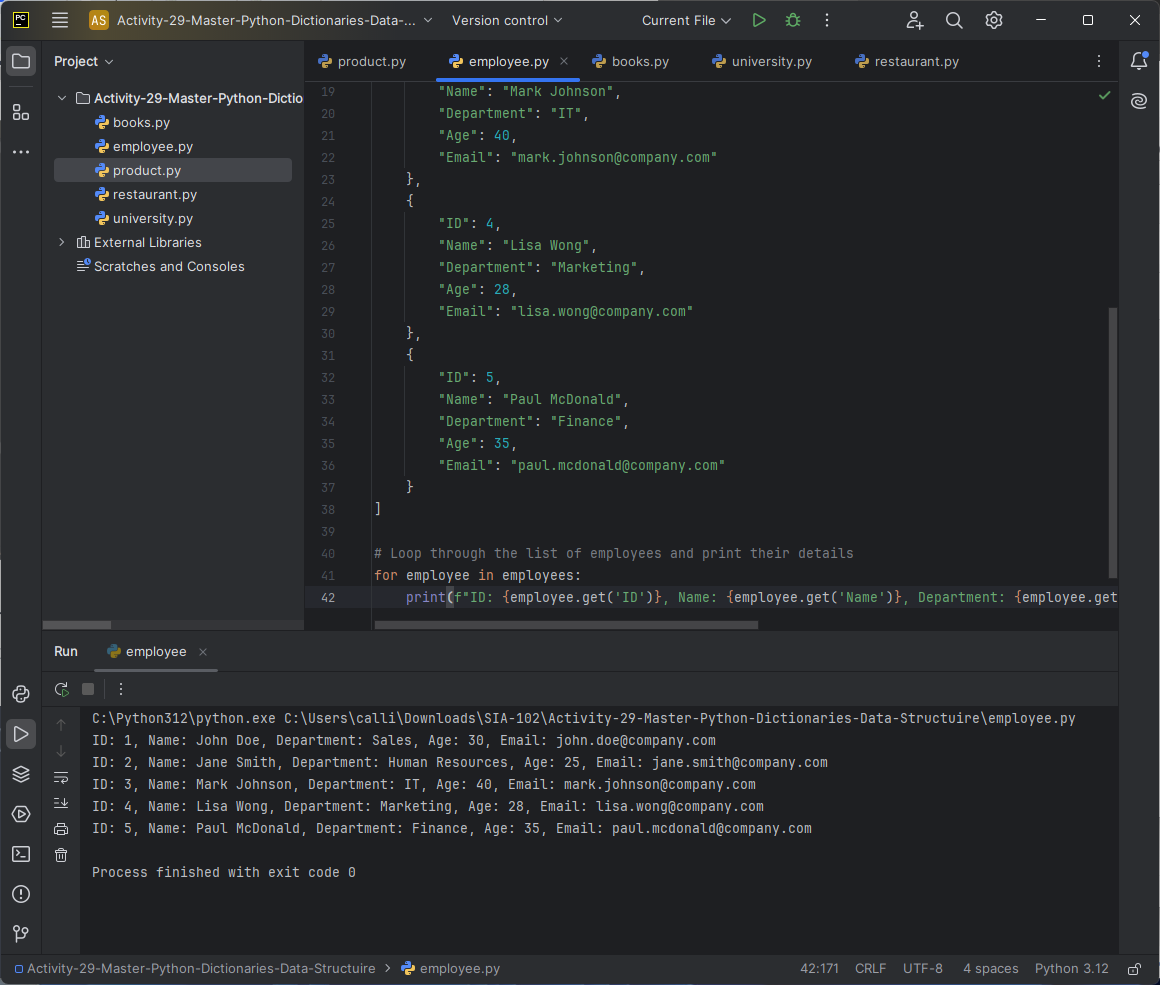
Employee: Store employee details (e.g., name, job title).
# List of employees
employees = [
    {
        "ID": 1,
        "Name": "John Doe",
        "Department": "Sales",
        "Age": 30,
        "Email": "john.doe@company.com"
    },
    {
        "ID": 2,
        "Name": "Jane Smith",
        "Department": "Human Resources",
        "Age": 25,
        "Email": "jane.smith@company.com"
    },
    {
        "ID": 3,
        "Name": "Mark Johnson",
        "Department": "IT",
        "Age": 40,
        "Email": "mark.johnson@company.com"
    },
    {
        "ID": 4,
        "Name": "Lisa Wong",
        "Department": "Marketing",
        "Age": 28,
        "Email": "lisa.wong@company.com"
    },
    {
        "ID": 5,
        "Name": "Paul McDonald",
        "Department": "Finance",
        "Age": 35,
        "Email": "paul.mcdonald@company.com"
    }
]

# Loop through the list of employees and print their details
for employee in employees:
    print(f"ID: {employee.get('ID')}, Name: {employee.get('Name')}, Department: {employee.get('Department')}, Age: {employee.get('Age')}, Email: {employee.get('Email')}")
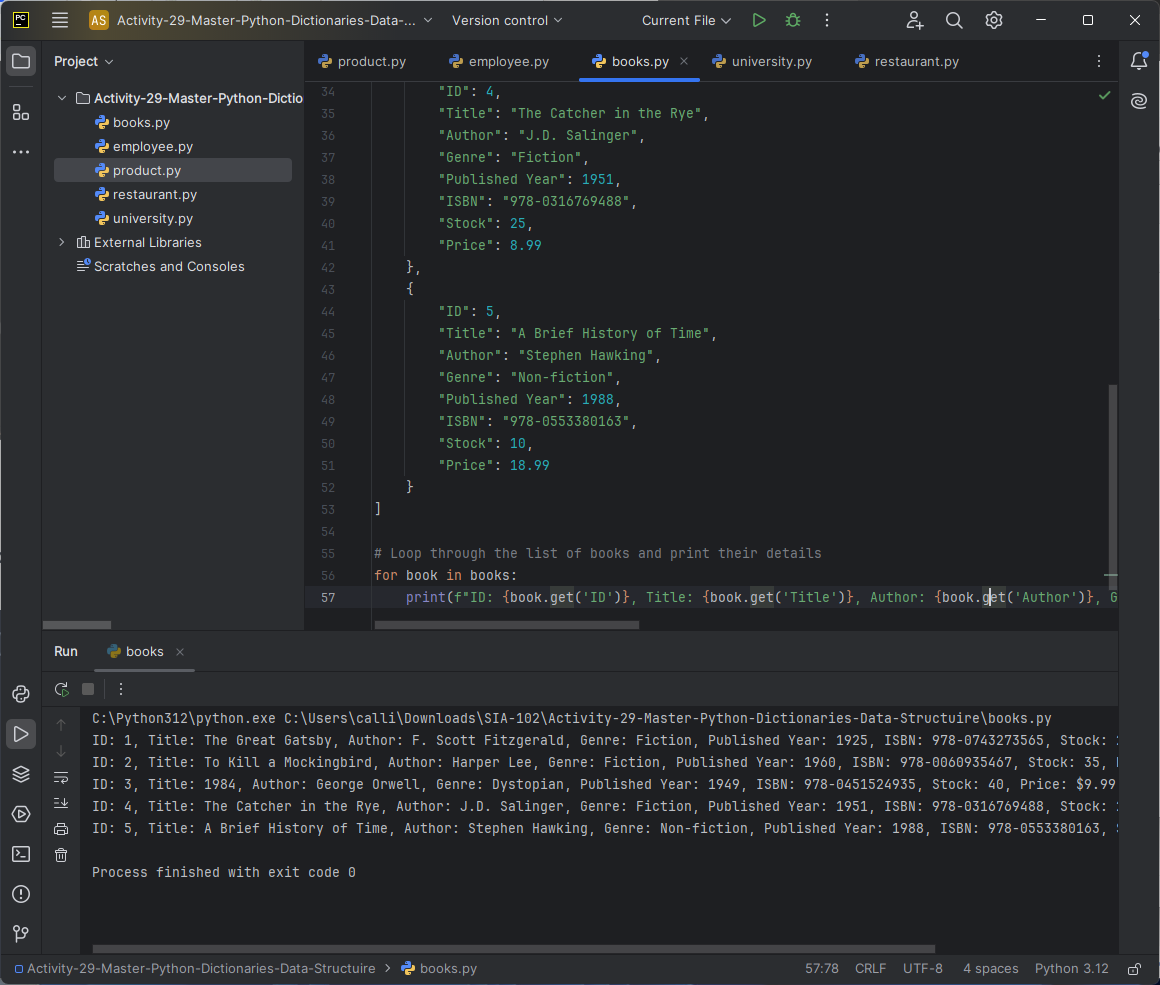
Books: Store book details (e.g., title, author).
# List of books
books = [
    {
        "ID": 1,
        "Title": "The Great Gatsby",
        "Author": "F. Scott Fitzgerald",
        "Genre": "Fiction",
        "Published Year": 1925,
        "ISBN": "978-0743273565",
        "Stock": 20,
        "Price": 15.99
    },
    {
        "ID": 2,
        "Title": "To Kill a Mockingbird",
        "Author": "Harper Lee",
        "Genre": "Fiction",
        "Published Year": 1960,
        "ISBN": "978-0060935467",
        "Stock": 35,
        "Price": 10.99
    },
    {
        "ID": 3,
        "Title": "1984",
        "Author": "George Orwell",
        "Genre": "Dystopian",
        "Published Year": 1949,
        "ISBN": "978-0451524935",
        "Stock": 40,
        "Price": 9.99
    },
    {
        "ID": 4,
        "Title": "The Catcher in the Rye",
        "Author": "J.D. Salinger",
        "Genre": "Fiction",
        "Published Year": 1951,
        "ISBN": "978-0316769488",
        "Stock": 25,
        "Price": 8.99
    },
    {
        "ID": 5,
        "Title": "A Brief History of Time",
        "Author": "Stephen Hawking",
        "Genre": "Non-fiction",
        "Published Year": 1988,
        "ISBN": "978-0553380163",
        "Stock": 10,
        "Price": 18.99
    }
]

# Loop through the list of books and print their details
for book in books:
    print(f"ID: {book.get('ID')}, Title: {book.get('Title')}, Author: {book.get('Author')}, Genre: {book.get('Genre')}, Published Year: {book.get('Published Year')}, ISBN: {book.get('ISBN')}, Stock: {book.get('Stock')}, Price: ${book.get('Price')}")
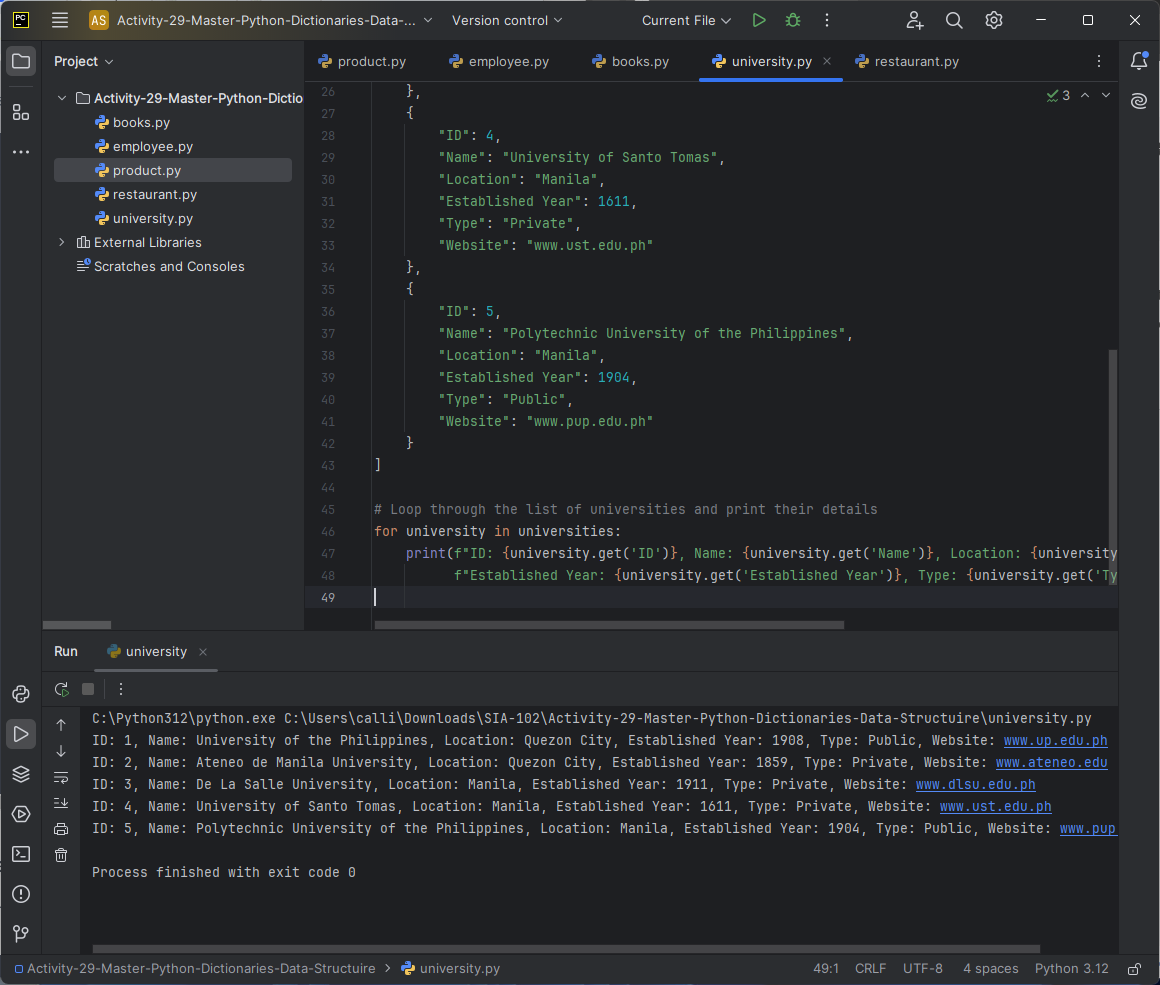
University: Store university details (e.g., name, location).
# List of universities
universities = [
    {
        "ID": 1,
        "Name": "University of the Philippines",
        "Location": "Quezon City",
        "Established Year": 1908,
        "Type": "Public",
        "Website": "www.up.edu.ph"
    },
    {
        "ID": 2,
        "Name": "Ateneo de Manila University",
        "Location": "Quezon City",
        "Established Year": 1859,
        "Type": "Private",
        "Website": "www.ateneo.edu"
    },
    {
        "ID": 3,
        "Name": "De La Salle University",
        "Location": "Manila",
        "Established Year": 1911,
        "Type": "Private",
        "Website": "www.dlsu.edu.ph"
    },
    {
        "ID": 4,
        "Name": "University of Santo Tomas",
        "Location": "Manila",
        "Established Year": 1611,
        "Type": "Private",
        "Website": "www.ust.edu.ph"
    },
    {
        "ID": 5,
        "Name": "Polytechnic University of the Philippines",
        "Location": "Manila",
        "Established Year": 1904,
        "Type": "Public",
        "Website": "www.pup.edu.ph"
    }
]

# Loop through the list of universities and print their details
for university in universities:
    print(f"ID: {university.get('ID')}, Name: {university.get('Name')}, Location: {university.get('Location')}, "
          f"Established Year: {university.get('Established Year')}, Type: {university.get('Type')}, Website: {university.get('Website')}")
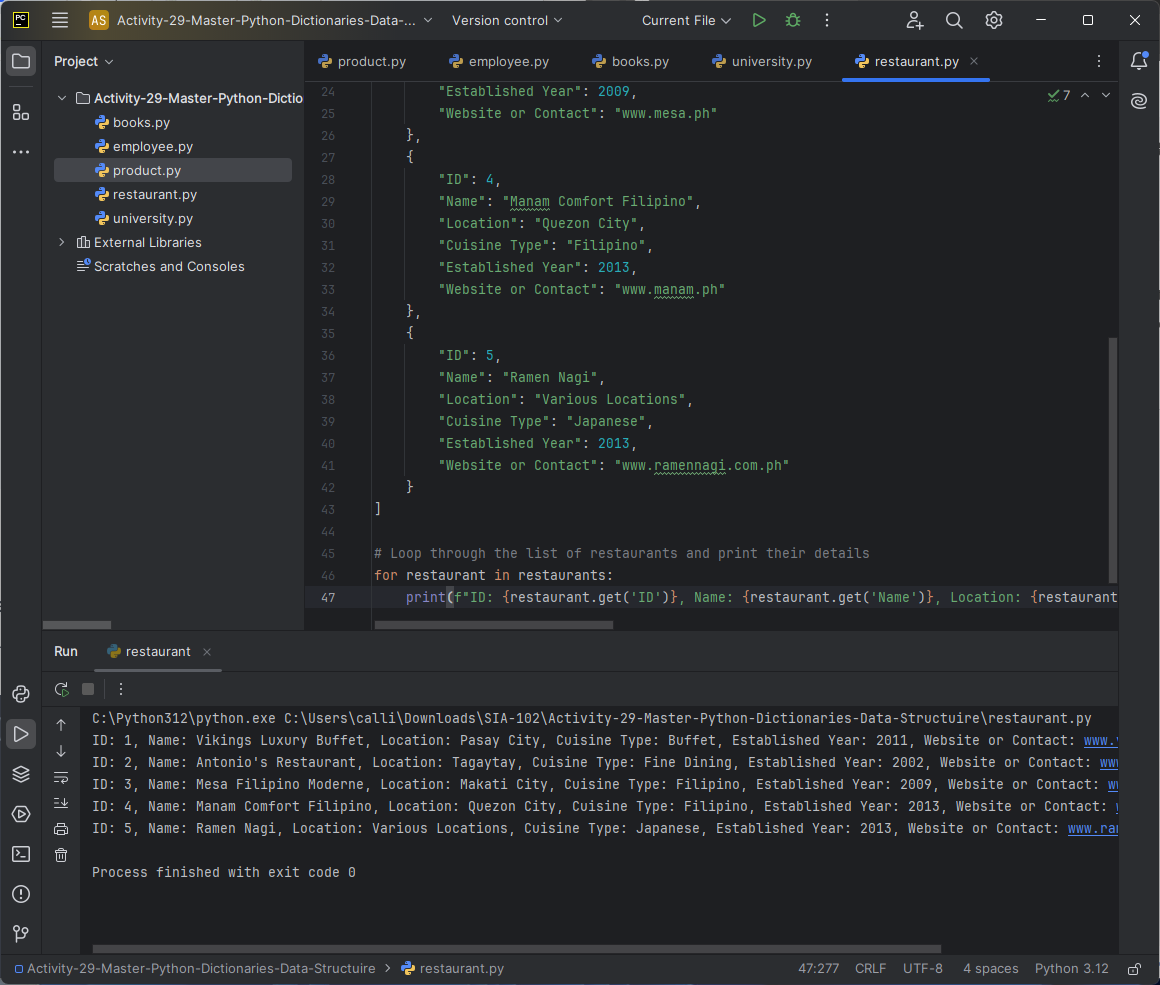
Restaurant: Store restaurant details (e.g., name, cuisine type).
# List of restaurants
restaurants = [
    {
        "ID": 1,
        "Name": "Vikings Luxury Buffet",
        "Location": "Pasay City",
        "Cuisine Type": "Buffet",
        "Established Year": 2011,
        "Website or Contact": "www.vikings.ph"
    },
    {
        "ID": 2,
        "Name": "Antonio's Restaurant",
        "Location": "Tagaytay",
        "Cuisine Type": "Fine Dining",
        "Established Year": 2002,
        "Website or Contact": "www.antoniosrestaurant.ph"
    },
    {
        "ID": 3,
        "Name": "Mesa Filipino Moderne",
        "Location": "Makati City",
        "Cuisine Type": "Filipino",
        "Established Year": 2009,
        "Website or Contact": "www.mesa.ph"
    },
    {
        "ID": 4,
        "Name": "Manam Comfort Filipino",
        "Location": "Quezon City",
        "Cuisine Type": "Filipino",
        "Established Year": 2013,
        "Website or Contact": "www.manam.ph"
    },
    {
        "ID": 5,
        "Name": "Ramen Nagi",
        "Location": "Various Locations",
        "Cuisine Type": "Japanese",
        "Established Year": 2013,
        "Website or Contact": "www.ramennagi.com.ph"
    }
]

# Loop through the list of restaurants and print their details
for restaurant in restaurants:
    print(f"ID: {restaurant.get('ID')}, Name: {restaurant.get('Name')}, Location: {restaurant.get('Location')}, Cuisine Type: {restaurant.get('Cuisine Type')}, Established Year: {restaurant.get('Established Year')}, Website or Contact: {restaurant.get('Website or Contact')}")
In this activity, I learned how to use Python dictionaries to store and manage structured data. I understood how to represent different entities, such as students, employees, books, universities, and restaurants, using dictionaries with keys and values. I also learned how to loop through lists of dictionaries to access and print specific details. By applying these techniques, I gained experience in organizing data efficiently and accessing it with the .get() method for safe retrieval. This exercise helped me realize the versatility of dictionaries in managing real-world data and how they can be used in various applications.