Activity 38: Documentation of your Python .env and gitignore
What is .env and .gitignore in Python Flask?
1. .env File:
The .env file is used for storing environment variables. In the context of Python Flask, it is common practice to store configuration settings like API keys, database URLs, and other sensitive information in this file. The .env file is generally kept local to your development machine and is not pushed to version control systems like Git. This helps in keeping your sensitive data secure.
Why is it important?
Security: Protects sensitive credentials (like database passwords, secret keys) from being exposed in version control.
Configuration Management: Helps manage different configurations for development, staging, and production environments without changing code.
Environment-specific settings: You can have different environment variables for different environments (local development vs production) without altering code.
Example
.envfile:FLASK_APP=app.py FLASK_ENV=development SECRET_KEY=my_secret_key
2. .gitignore File:
The .gitignore file tells Git which files or directories it should ignore and not track in version control. This is important because there are certain files you do not want to commit to the repository, such as:
Configuration files that contain sensitive information (like
.env).Python bytecode files (
*.pyc).Log files.
IDE settings (e.g.,
.vscode,.idea).Why is it important?
Security: Ensures that sensitive files like
.envdo not get pushed to public repositories.Clarity: Keeps the repository clean by ignoring unnecessary or temporary files.
Efficiency: Avoids committing files that could bloat the repository (like large logs or compiled bytecode).
Example
.gitignorefile:# Ignore .env file .env # Ignore Python bytecode files __pycache__/ *.pyc # Ignore IDE configuration files .idea/ .vscode/
Step-by-Step Guide: How to Use .env and .gitignore with Python Flask
Create a Flask Application: Start by creating a simple Python Flask application if you don’t already have one.
python -m venv venv venv\Scripts\activate pip install flask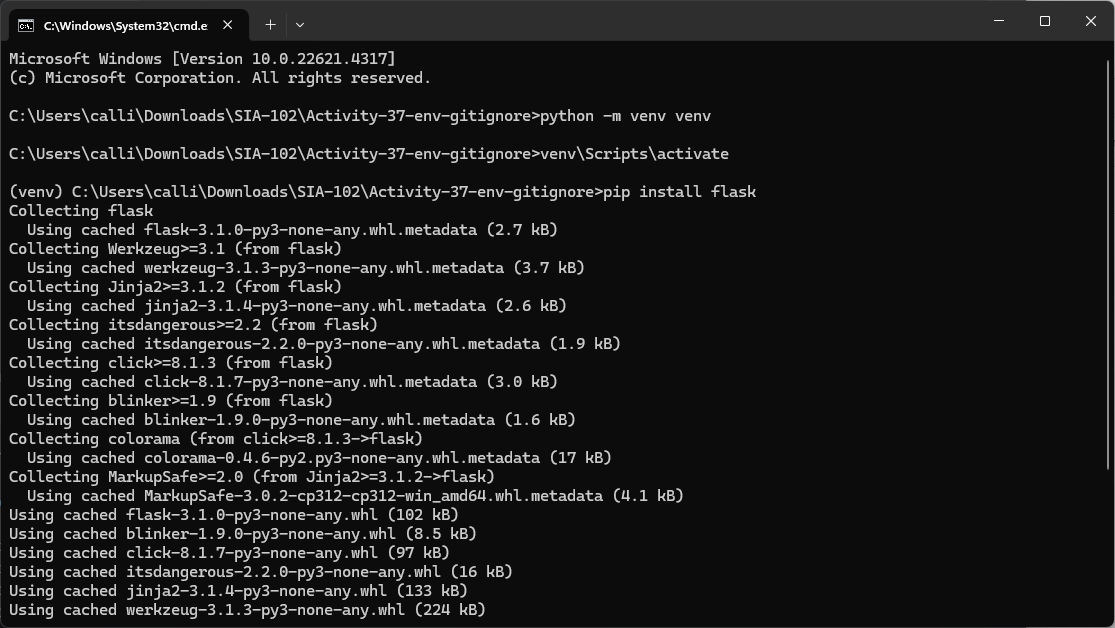
Create a basic Flask app,
app.py:from flask import Flask app = Flask(__name__) @app.route('/') def home(): return "Hello, World!" if __name__ == '__main__': app.run(debug=True)Create the
.envFile:Create a file named
.envin the root of your project (in the same directory asapp.py).
Add environment variables to the
.envfile:FLASK_APP=app.py FLASK_ENV=development SECRET_KEY=my_secret_key
Install Python
python-dotenv: Flask doesn't load.envfiles by default, so we use thepython-dotenvpackage to do that. Installpython-dotenv:pip install python-dotenv
Load the
.envVariables inapp.py: At the top of yourapp.py, import and load the.envfile usingpython-dotenv.```python from flask import Flask from dotenv import load_dotenv import os
Load the .env file
load_dotenv()
app = Flask(name)
Access environment variables
app.config['SECRET_KEY'] = os.getenv('SECRET_KEY')
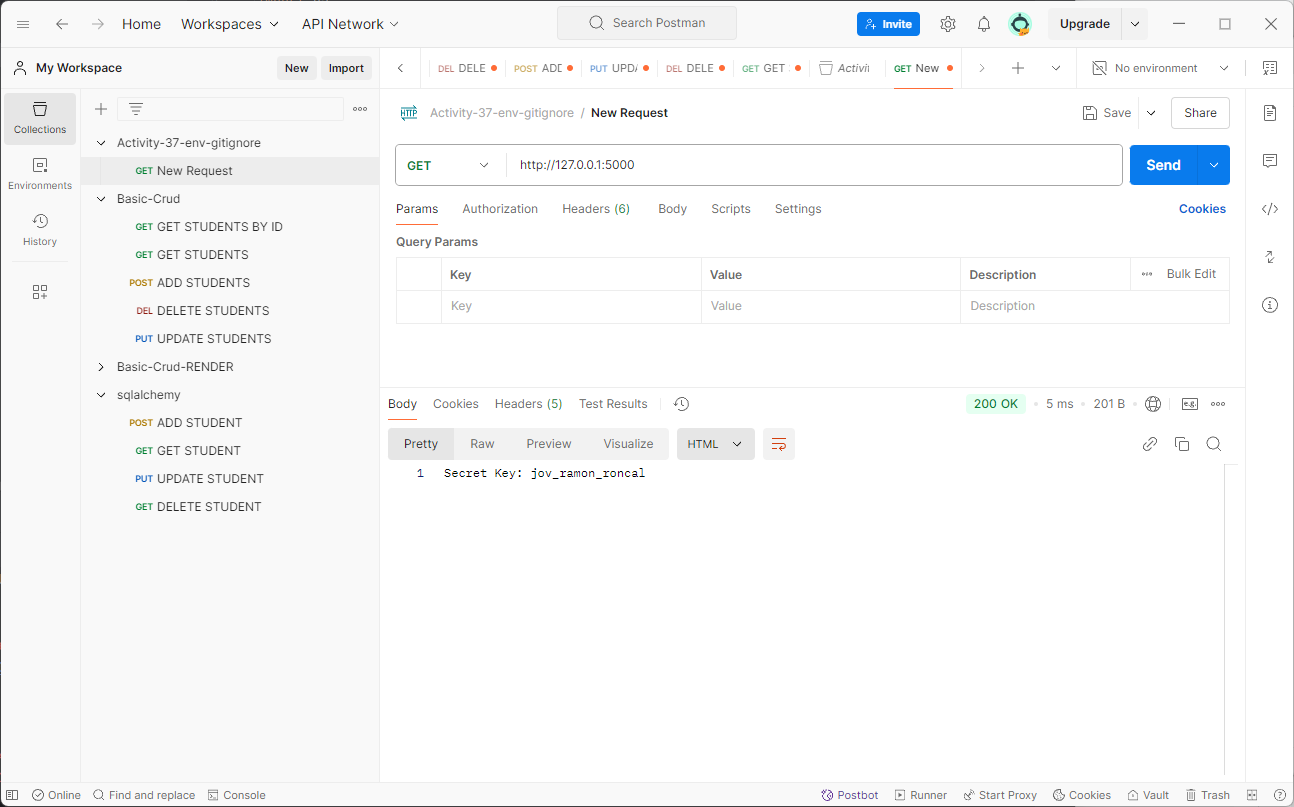
@app.route('/') def home(): return f"Secret Key: {app.config['SECRET_KEY']}"
if name == 'main': app.run(debug=True)
Now, Flask will use the `SECRET_KEY` and `DATABASE_URL` from the `.env` file.
5. **Create the** `.gitignore` File:
* Create a `.gitignore` file in the root of your project.

* Add the following to ignore sensitive files and directories:
```python
  # Ignore .env file
  .env
  # Ignore Python bytecode files
  __pycache__/
  *.pyc
  # Ignore IDE configuration files
  .idea/
  .vscode/
POSTMAN